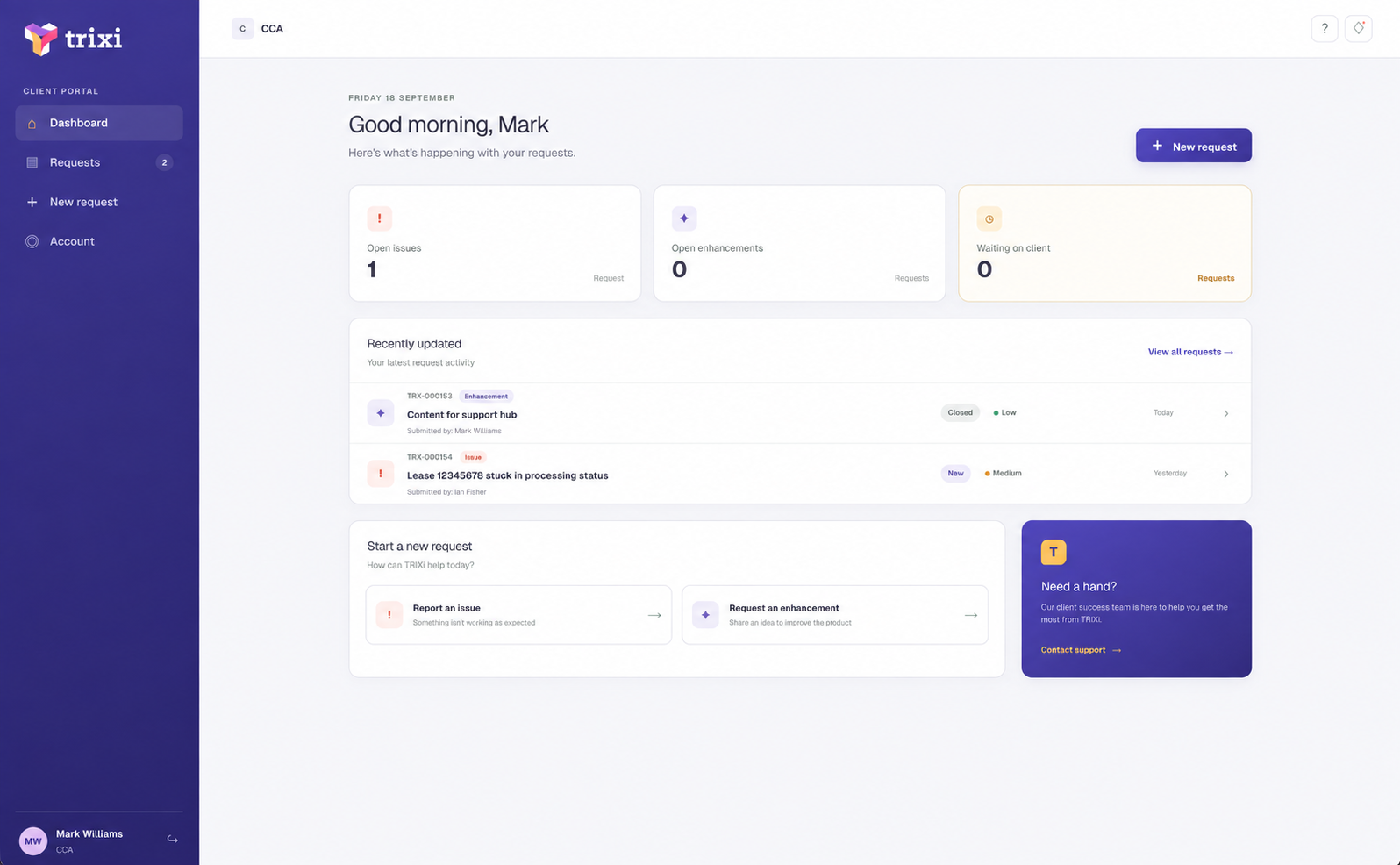
The refreshed dashboard brings together open issues, enhancement requests and items waiting for your response. You can see recent activity at a glance, check progress and identify where your input is needed.
When submitting a request, you can explain the business impact, set a priority and attach supporting screenshots or files. Each request receives a unique reference number, making it easy to find and follow from submission through to completion.
You can communicate directly with the TRIXi specialist handling your request, respond to questions and download shared files. Keeping the conversation and supporting information together gives your team a clear record of updates, decisions and next steps. Email notifications let the relevant people know when an important update or response is available.
To access the portal, visit trixi.au and select CLIENT PORTAL from the main menu.